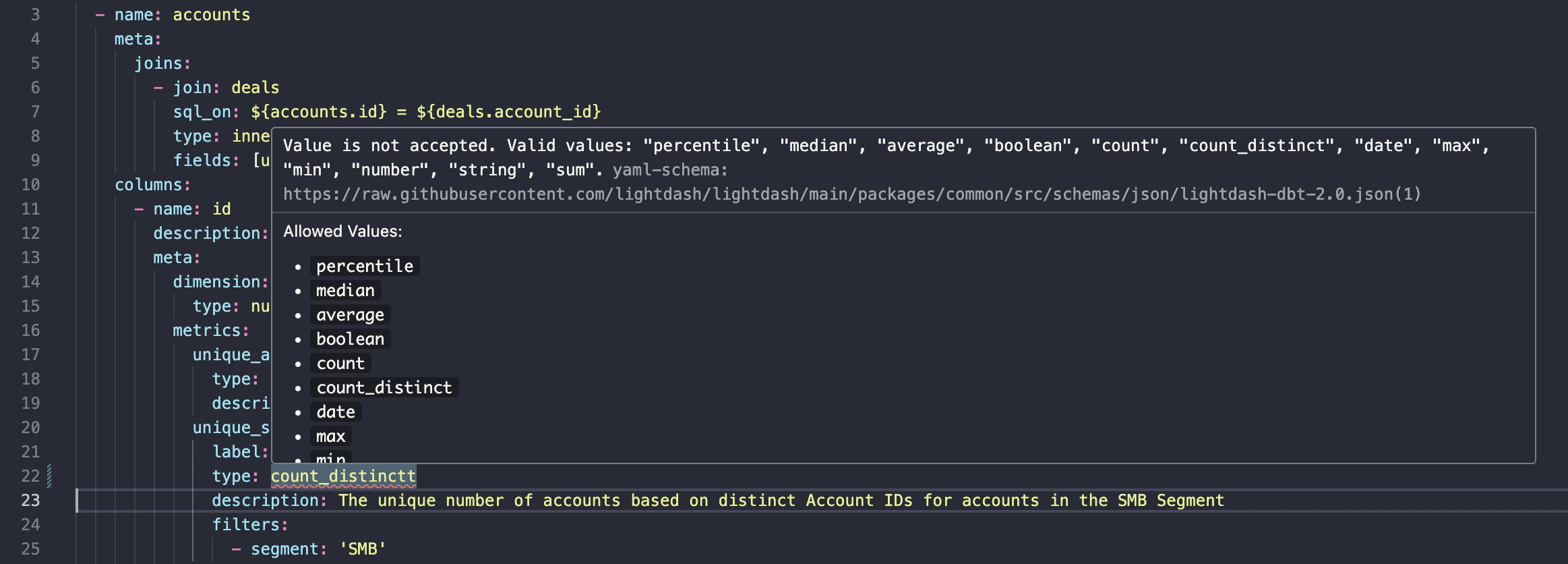
If you use VS Code to make edits to your dbt project, we recommend setting up Lightdash YAML validation. The validator will flag any formatting or configuration issues before compiling your project, so you can fix issues faster. The validation uses the same logic that Lightdash uses when compiling your project. All you have to do is add this snippet to yourDocumentation Index
Fetch the complete documentation index at: https://lightdash-update-dbt-code-blocks.mintlify.app/llms.txt
Use this file to discover all available pages before exploring further.
settings.json file in VS Code. Read this guide to details on how to edit your settings.json.
schema.yml files.