You can pin important items so users are most likely to click on those items when they’re navigating through Lightdash. Only users with editor or admin access to a project can pin items.Documentation Index
Fetch the complete documentation index at: https://lightdash-update-dbt-code-blocks.mintlify.app/llms.txt
Use this file to discover all available pages before exploring further.
Pinned items on your homepage
Your homepage is where users land when they first open Lightdash. You can access your homepage by clicking on the Lightdash icon in the top left corner of the app. Pinned items on the homepage appear as the first group of items.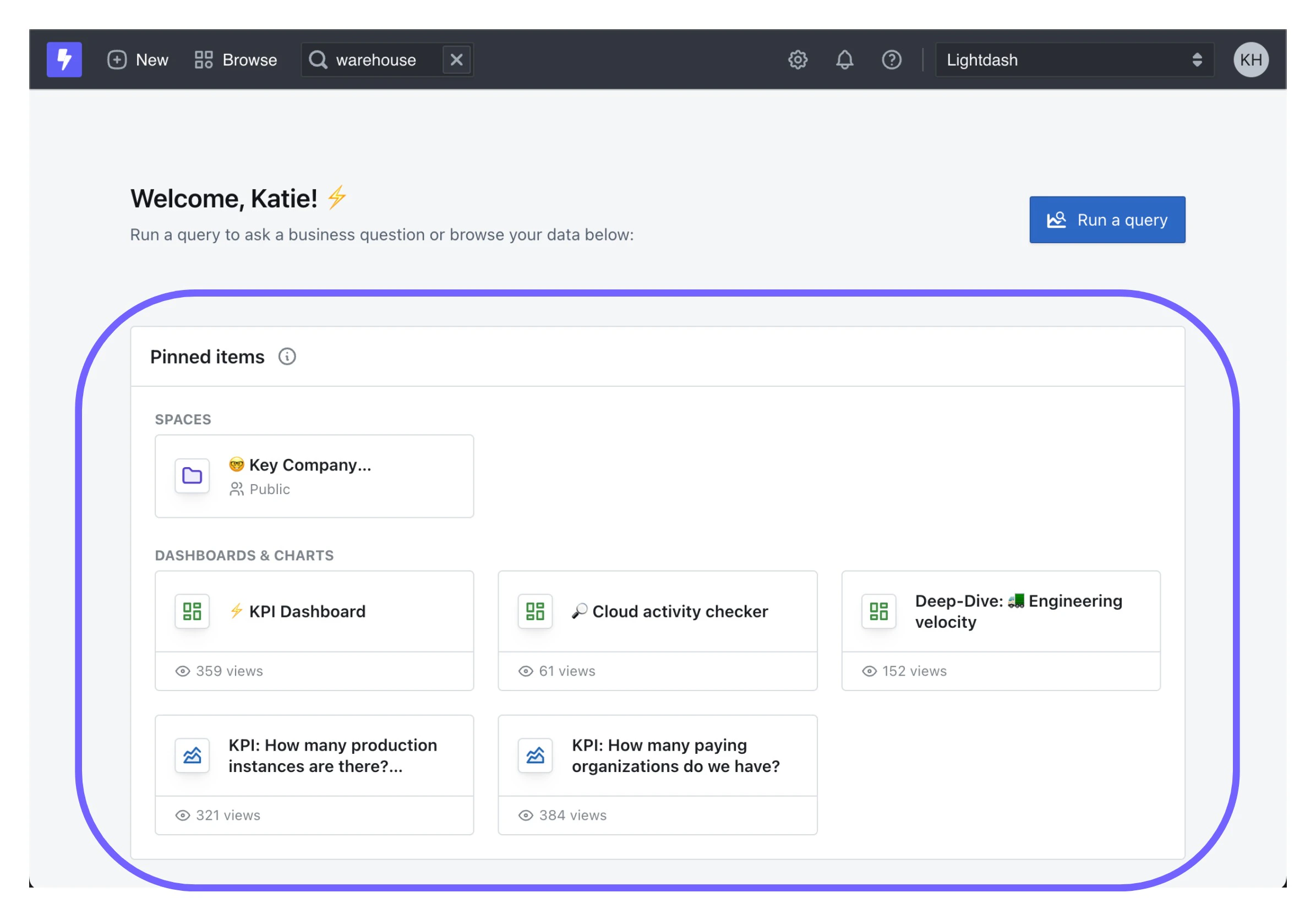
Pinning items
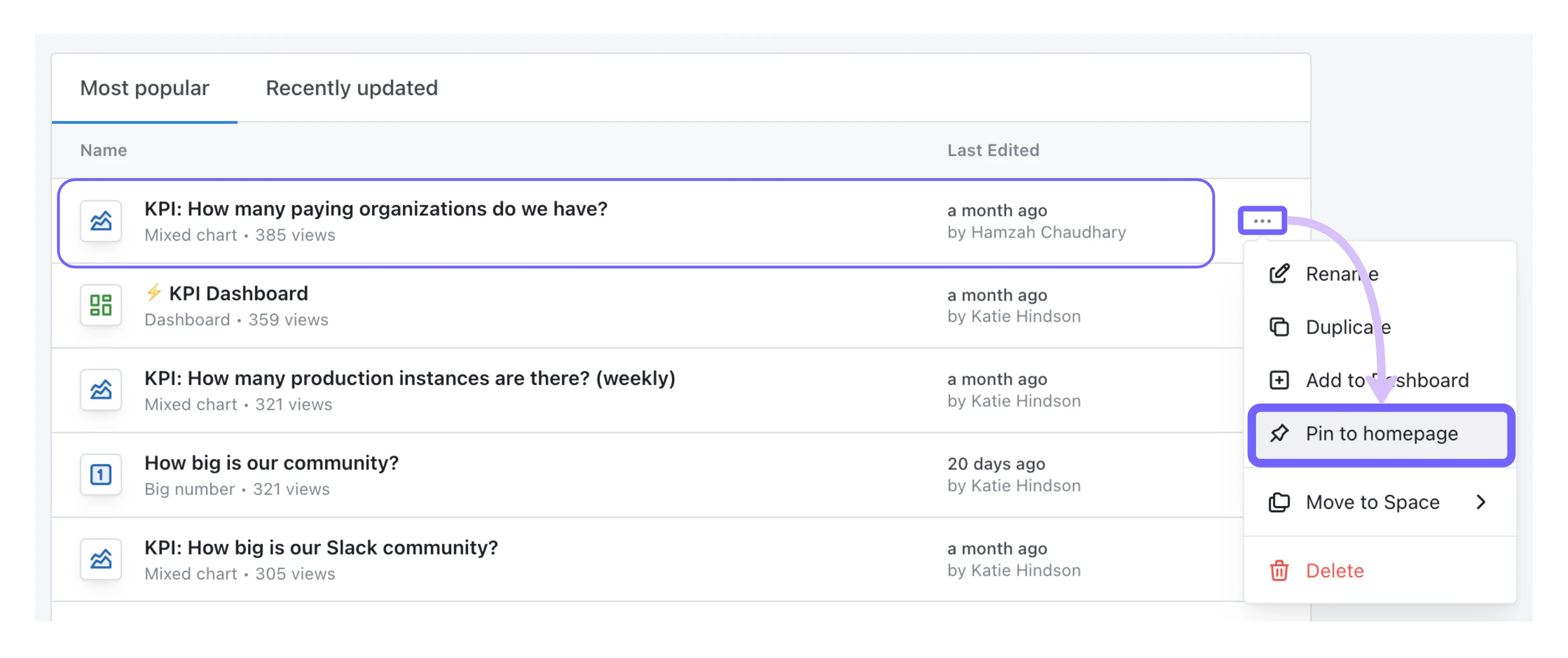
You can pin saved charts, dashboards, and spaces to your homepage. To pin an item, just click on the three-dot-menu beside the item, then clickpin to homepage.
Unpinning items
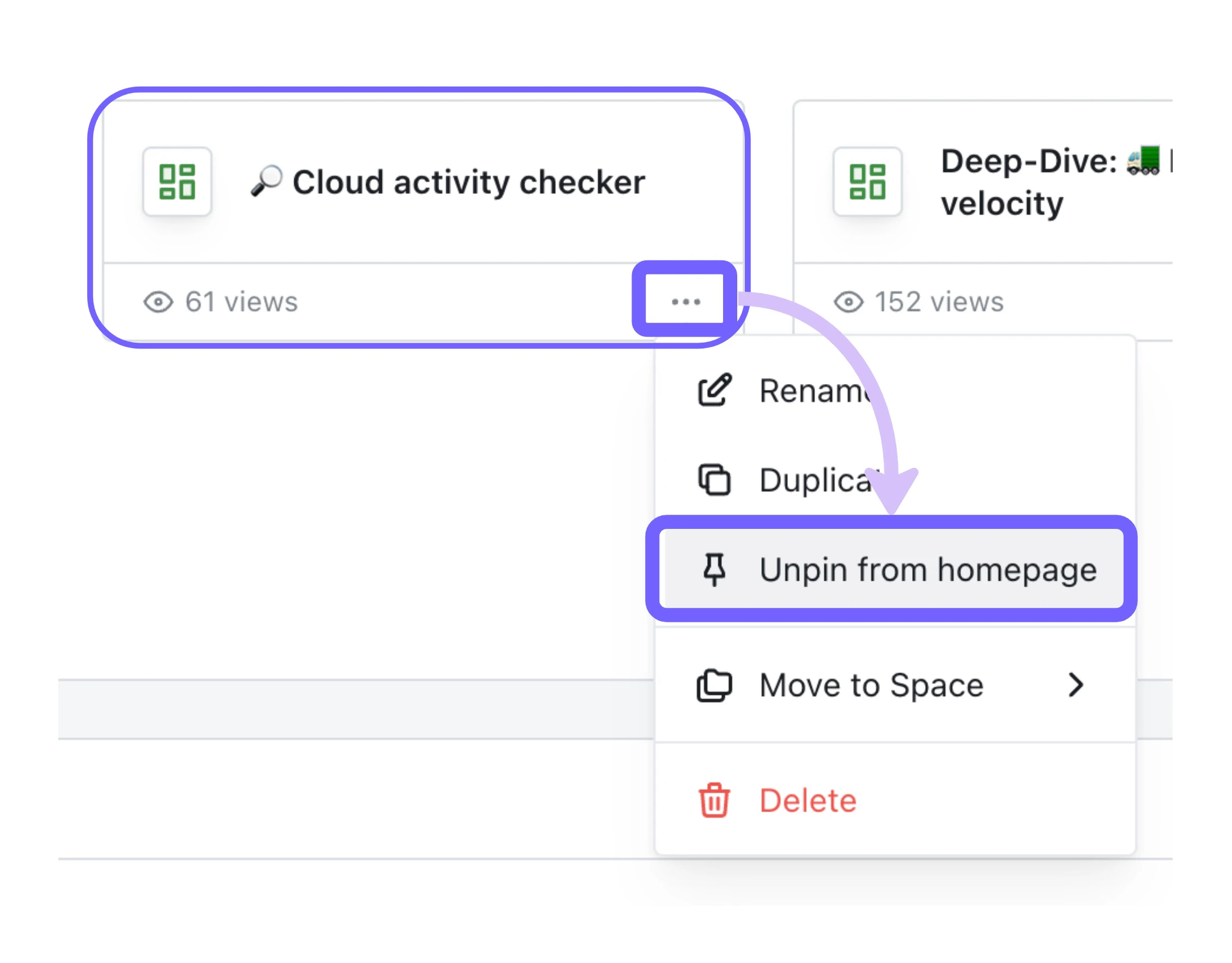
To remove an item from the list of pinned items, click on the three-dot-menu and selectunpin from homepage.